
What You Can Measure
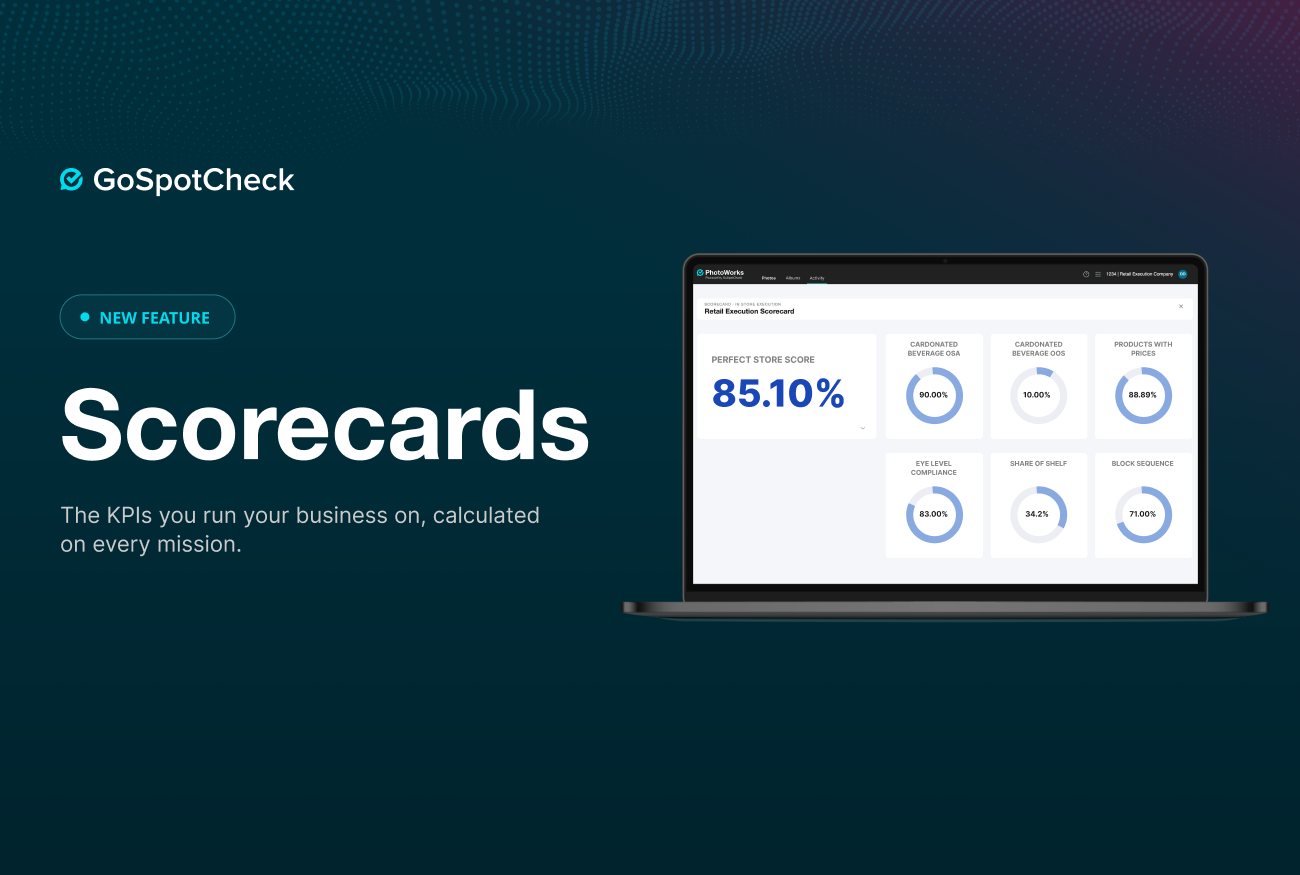
Scorecards go well beyond standard on-shelf availability. The 12 KPI types fall into five families:

Pick the ones that matter to your program, and we build the scorecard around them.
Then choose how deep to go. Reps can tap from a top-level score into category results and down to individual SKUs. You also set the tile labels and threshold colors, so a red or green score means what your team says it means.
Six Ways Scorecards Make Execution Easier
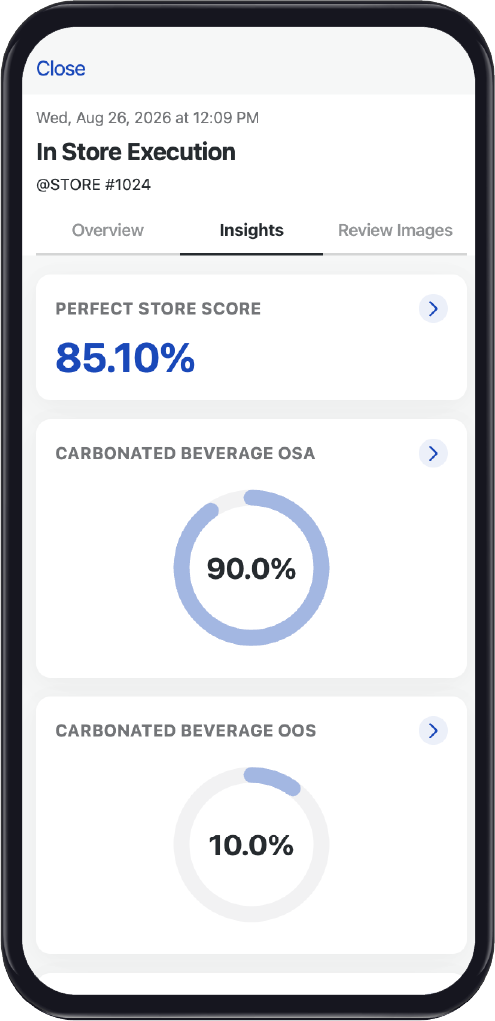
- Fix gaps before the rep leaves. Scores appear on mobile the moment a mission ends. Out-of-stocks, missing facings and misplaced products get corrected on the spot, not in next week’s report.
- Stop waiting on custom builds. When you need a new KPI, threshold or report layout, we update your configuration and it takes effect right away, without a software release or a long requirements process.
- Skip the manual audits. Every store mission becomes an automatic score for availability, share of shelf and planogram compliance, so you instantly see which stores, categories or vendors need attention.
- Define “good” your way. Set your own thresholds, tile labels, colors and drill-down depth, so the scorecard scores execution the way your team already talks about it.
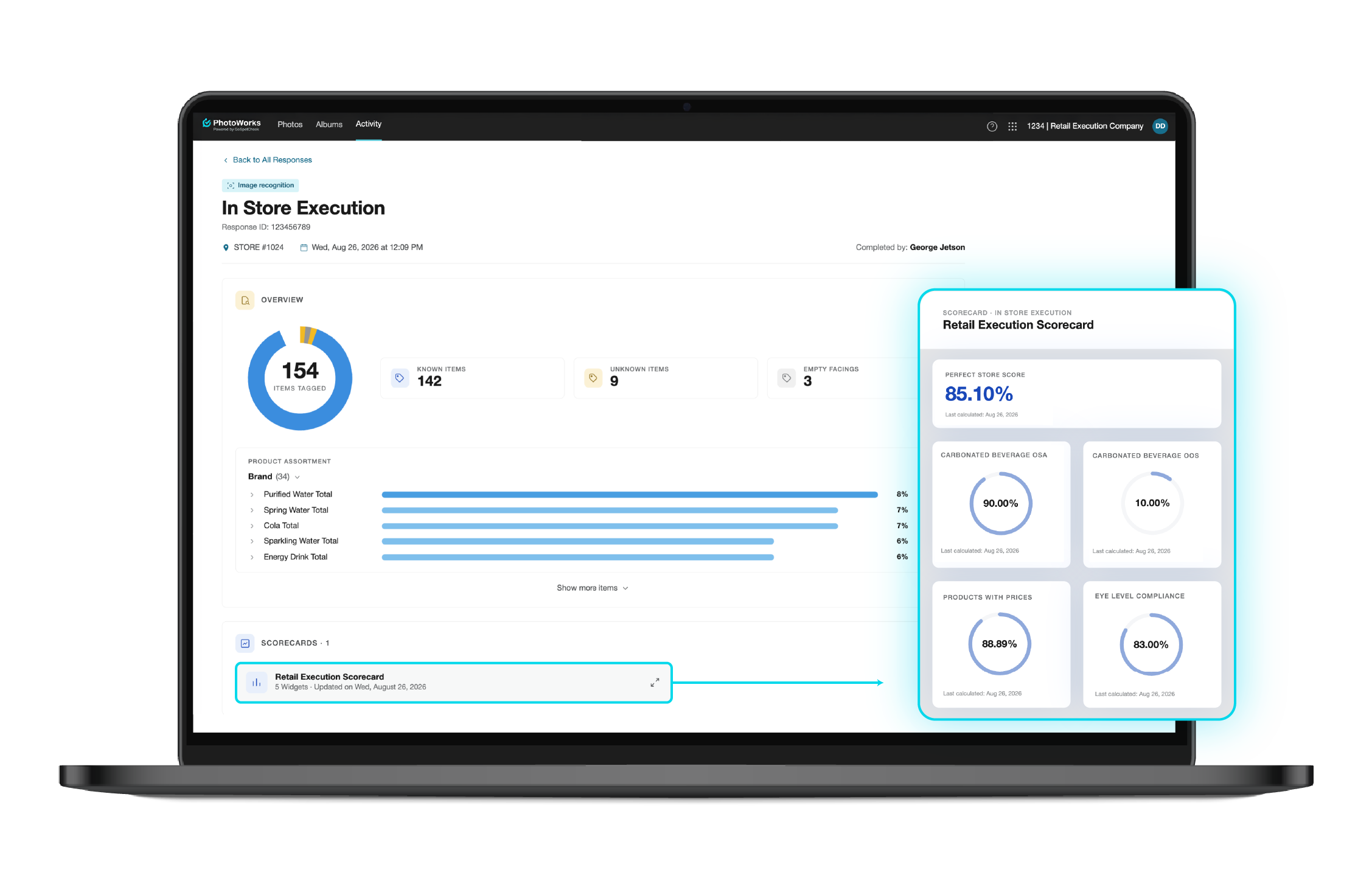
- One score everyone trusts. The same setup powers mobile, PhotoWorks and your exports. Roll up from a single top-level score across stores, districts and regions, then drill down to the SKU.
- Take your data anywhere. Pipe results into your own tools through the External API, scheduled Batch Reporting or custom Advanced Reporting, including data warehouses, Looker and Salesforce.
Why It Matters
Execution gaps rarely announce themselves. A product runs out, a block ends up in the wrong order, a reset only half happens, and nobody finds out until the sales numbers show the damage weeks later.
Scorecards give both brands and retailers a faster way to see those gaps and close them:
| For brands | For retailers |
|---|---|
| Measured execution. See how your program is performing while missions are still coming in, instead of piecing it together from sales data later. | Compliance without the manual audit. Confirm planograms, resets and vendor programs are followed in every store, without store-by-store checks. |
| Launches you can still save. See share of shelf and availability the moment a mission wraps up, while the launch window is still open. | Evidence for supplier conversations. Bring objective, store-level proof of execution to joint business planning. |
| Share against the competition. Get objective, store-level share of shelf across every account and region, not just where you have a rep. | One view of your whole network. Roll up performance across stores, districts and regions, and see which locations need attention. |
Ready to Turn It On?
Scorecards is available now as a paid add-on for GoSpotCheck. Tell us how you define great execution, and our team takes it from there. This is just the start, too: we’re heading toward giving you more hands-on control of your scorecards over time. Already a Trax IR customer? You’ll recognize the KPI types, with a simpler, AI-guided setup that doesn’t depend on a delivery team.
Every mission your team completes already holds the answers. Scorecards turns them into scores you can trust and act on, so your team spends less time wondering how execution is going and more time making it better. Book a Demo.